
Simple & Permissive
OwlPlug works with your existing plugin folder layout. No forced reorganization, no locked-in structure. Keep the setup you're already comfortable with.
One interface for VST2, VST3, AU and LV2.
OwlPlug discovers and organizes your installed audio plugins, and lets
you install new ones through decentralized registries.
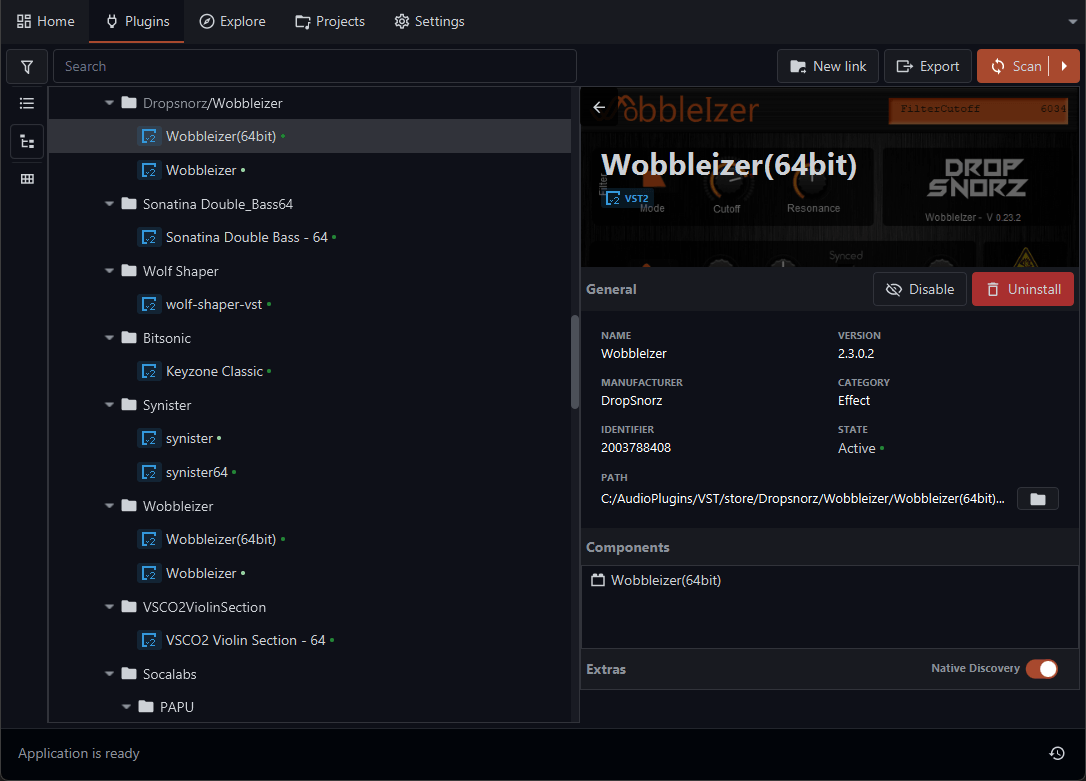
OwlPlug works with your existing plugin folder layout. No forced reorganization, no locked-in structure. Keep the setup you're already comfortable with.
Connect to third-party plugin registries alongside the built-in community registries. Any distributor can publish a compatible registry following open audio stack standard.
OwlPlug is free and fully open source under GPL-3.0. The codebase is on GitHub and contributions, bug reports, and feedback are always welcomed.
Plugin Management
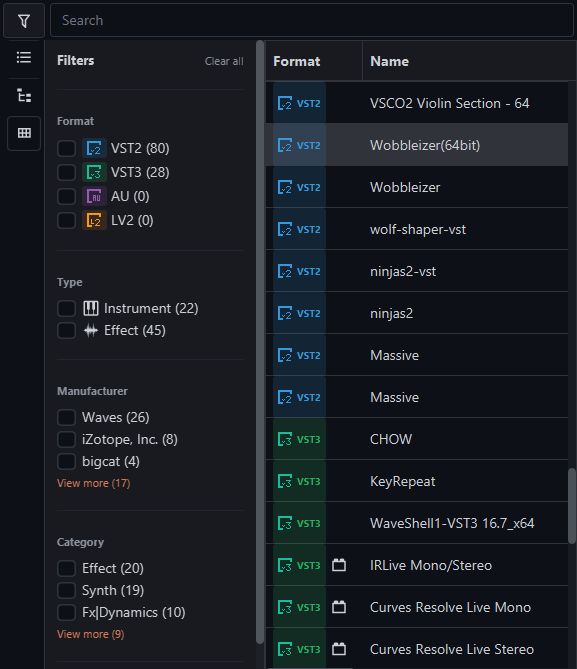
OwlPlug scans your system for installed audio plugins across all standard locations on first launch. Browse, filter, and organize your entire library from a single interface. No manual registration needed.
Registries
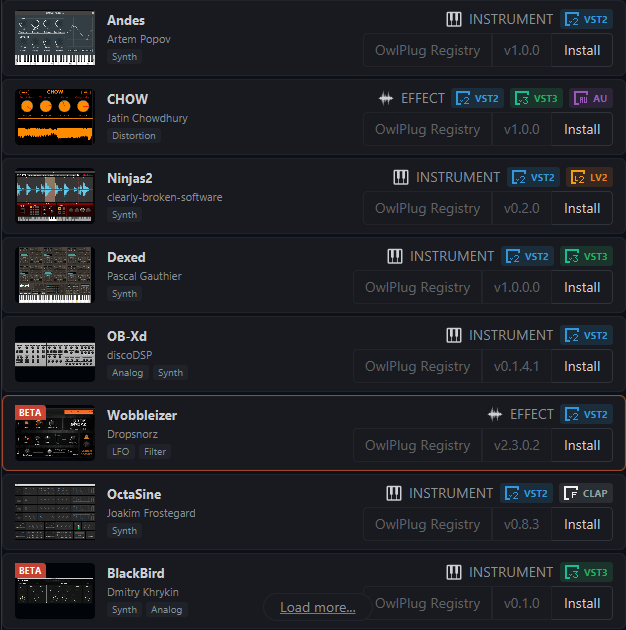
Connect to plugin registries to browse and install new instruments and effects directly in the app. The built-in OwlPlug registry features community-made plugins, and any distributor can publish their own.
DAW Projects
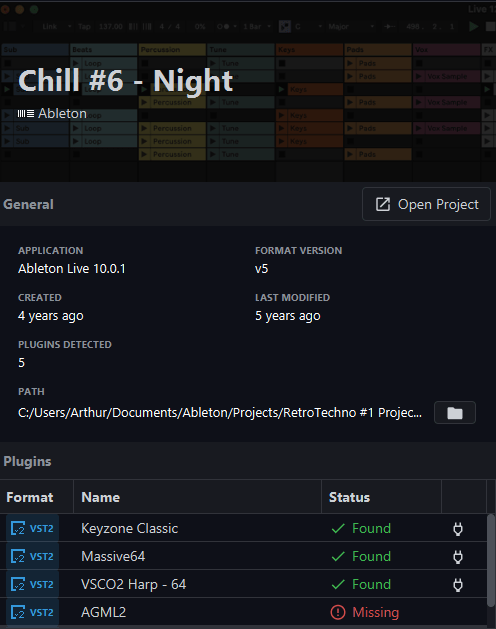
OwlPlug scans your DAW project files and cross-references them with your installed plugins. Spot required and unavailable plugins before you open a session, and keep your studio ready.
Format Support
OwlPlug handles VST2, VST3, AU, and LV2 across Windows, macOS, and Linux, regardless of which DAW or format combination your setup relies on.
Yes. OwlPlug is free and open source under GPL-3.0. No subscription, no trial limits, no premium tier.
Yes. OwlPlug scans standard plugin paths and immediately discovers plugins you already have installed, regardless of how they got there. Your existing setup is never touched.
OwlPlug stores everything locally in a database on your machine. No account is required, and your plugins never leaves your machine
OwlPlug only installs plugins from registries you explicitly configure. The built-in community registries (OwlPlug and Open Audio Stack) enforce binary immutability, and every plugin is scanned by multiple antivirus softwares before submission.
The best way to distribute plugins in OwlPlug is by submitting a new entry to the Open Audio Stack registry. Also, an third party distributor can host a compatible registry by implementing the OAS Registry specification.
Get Started
OwlPlug is free, takes under a minute to install, and works with the plugin folders you already have.